Why Updates Matter
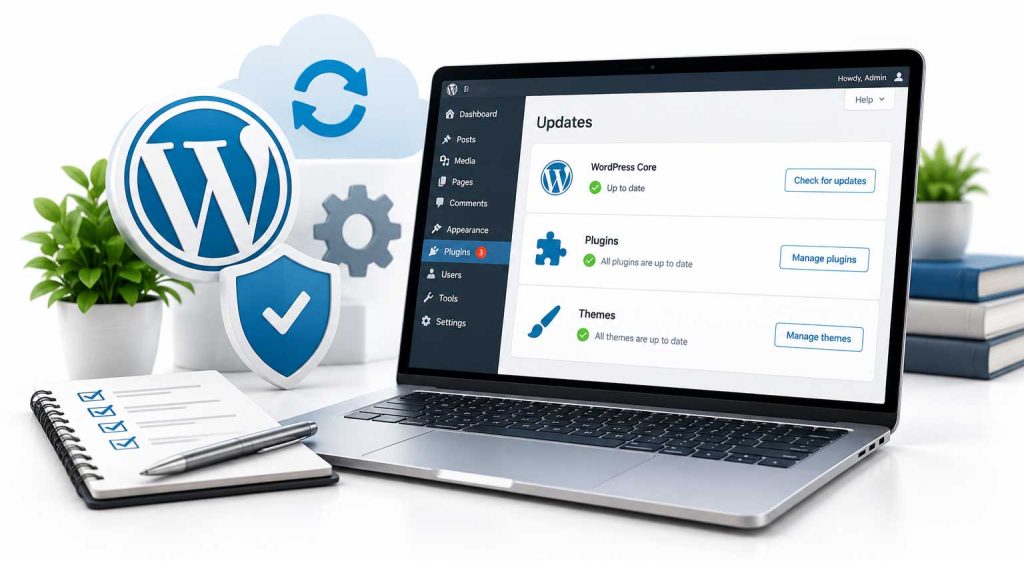
Outdated plugins and themes are one of the most common ways websites get hacked. Updates also fix bugs and keep your site compatible with new browsers and tools.
The problem is that updates can conflict with each other. Clicking “update all” and hoping for the best can break a site.
What’s Included
Already an SP Marketing package client? WordPress back-end updates are included in every marketing package.
What Managed Updates Cover and What They Do Not
Who This Service Is For
Managed WordPress Updates fit business owners who have a site that works and want it kept current without logging in every month. It suits sites that rarely change, as well as sites with a staff member who edits content but should not be handling plugin updates.
If you also want marketing work done each month, look at our marketing packages and pricing instead. Every package already includes WordPress back-end updates.
What Is Not Part of the $49 Service
- Content changes such as new pages, new photos or rewritten copy
- Design changes or new features
- Rebuilding a site that has been hacked or heavily modified
- Replacing a plugin that is no longer supported by its developer
Work like this is handled as web services, billed at $31.25 per 15 minutes, and we confirm the scope with you before it starts.
Help Us Keep Updates Running
Paid plugins and themes only receive updates while their license is active. If a license lapses, the plugin stops updating, which leaves the same kind of gap updates are meant to close.
Keep a list of the paid tools on your site and their renewal dates. If you are not sure what you have, ask us and we will tell you which licenses the site depends on.
Signs to Report After an Update
- A contact form that stops sending to your inbox
- A page that looks different or has a missing section
- A booking, payment or calendar tool that will not load
Test your main form now and then by submitting it yourself. Form problems are easy to miss because nothing looks broken on the page.
How to Know It Is Working
Your WordPress dashboard should show few or no pending updates, and your site should keep working the way it did before. If a plugin has been abandoned by its developer, we will let you know so you can plan a replacement.
Updates are one part of site security. See our website security and hosting checklist, and pair this service with managed WordPress hosting for daily backups and malware protection.