Reach Buyers at Every Stage


How We Manage Your Budget
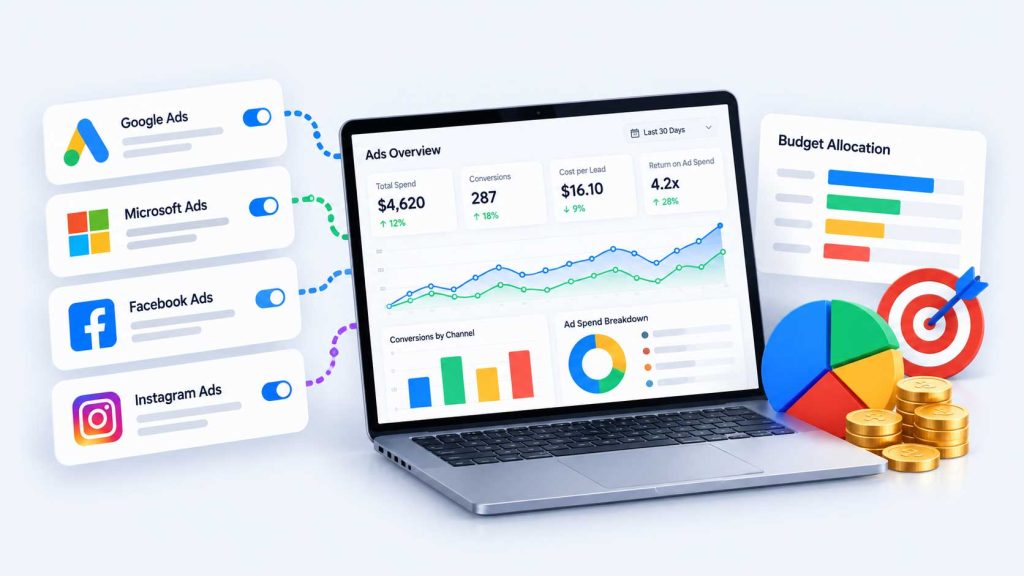
How We Decide Which Channels Get Your Budget
Start With the Math
Before we pick a channel, we work out what a customer is worth to you and what you can afford to pay for a lead. That number sets the limit for every campaign. Our guide on setting a marketing budget from customer value walks through it.
Add Channels in Order
- Capture demand. Search ads reach people who are already looking. This is usually where the first dollars go.
- Bring visitors back. Retargeting follows up with people who visited your site and did not call.
- Build demand. Social, geofencing, streaming and intent data reach people before they search. They make sense once search is producing leads you can measure.
- Test new channels. Newer options like ChatGPT ads get a small, fixed test budget until they prove themselves.
How the Budget Is Split
Ad spend is paid directly to the platforms and is separate from your plan. Spreading a small budget across many channels usually means none of them gets enough data to learn from. We would rather run one or two channels properly than five thinly.
Your plan’s team hours matter too. Every channel needs setup, creative and weekly checks. Momentum does not include ad management, so paid advertising starts with the Growth plan, where 15 team hours a month usually go furthest on one focused channel. Plans like Scale and Accelerate have room for several channels and more creative testing. Compare them on our packages and pricing page.
What to Prepare
- Access to your existing ad accounts, Google Analytics and website
- Your average sale or customer value
- How many new leads your team can handle each week
- How you track leads today, even if it is a spreadsheet
- Offers, seasons or service areas you want to push
Signs Your Current Setup Needs Work
- Reports show clicks and impressions but not leads
- Nobody can say what a lead costs on each channel
- Ads run on every platform, but the budget is too small for any of them to learn
- The same ads have run for months without a test
What the First Month Looks Like
We hold the initial meeting and collect account access within the first 3 days, then build a baseline report before work starts. Tracking is checked before any new campaign goes live. Your first full report arrives at the end of the first month. Our first 90 days page lays out the full timeline.
Frequently Asked Questions
What Your Advertising Report Shows
Every channel gets measured the same way: spend, leads, qualified leads and cost per lead. Here is the format.
Illustrative example. The numbers are made up to show the format of a monthly report.
The Numbers for the Month
| Lead source | Leads | Qualified | Cost per lead |
|---|---|---|---|
| Google Ads | 32 | 22 | $53 |
| Meta ads | 11 | 6 | $64 |
| Organic search and maps | 5 | 3 | Not applicable |
Work Completed
- Paused six search terms that brought clicks but no calls
- Launched a new landing page for the spring offer
- Fixed the form tracking on the contact page
Next Steps
- Test a second headline on the landing page
- Move budget toward the campaign with the lowest cost per qualified lead
What a report can and cannot show. We track the calls and form submissions your tracking can capture, and qualified leads where your team records them. Some customers call from a business card, visit in person or search again weeks later, so no report can connect every lead or sale to a single source. We tell you what is tracked, what is estimated and what is not.