Missed Calls Are Missed Revenue
When a lead cannot reach you, they call the next business. After-hours calls, busy phone lines and slow form follow-up all cost you customers you already paid to attract.
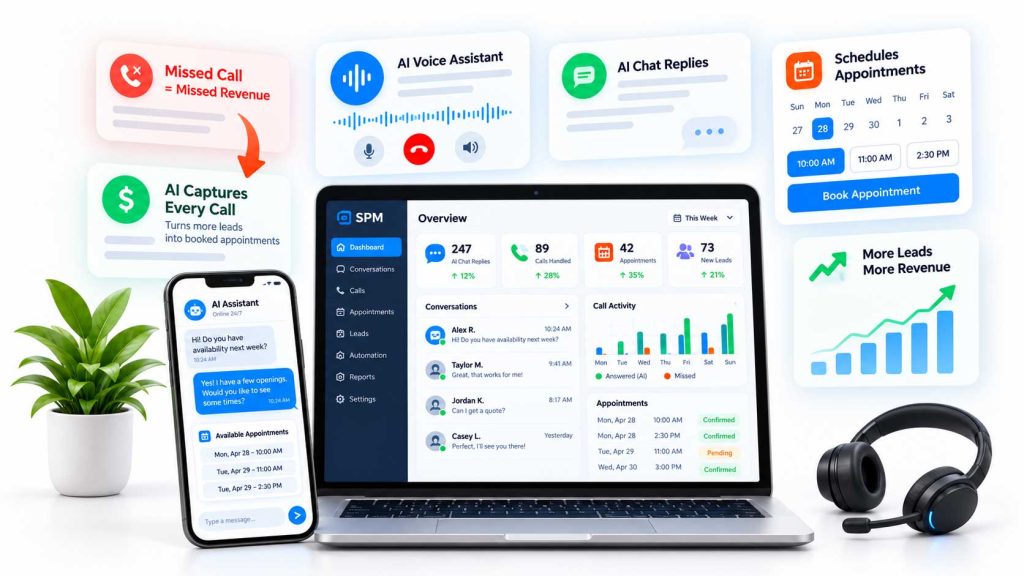
What We Set Up


How an AI Assistant Goes Live and How We Measure It
Step 1: Map How Leads Reach You Today
We start by looking at where leads come in: phone, website forms, chat, text and booking pages. We also look at what happens after hours, during lunch and when your team is on other calls. That tells us where an assistant will help most.
Step 2: Set the Rules for Handoff
An AI assistant should know when to stop and bring in a person. We agree on which topics it can answer, which it should never answer, and which calls or chats get routed to your team right away. Pricing exceptions, complaints and anything sensitive are common examples of handoff triggers.
Step 3: Test Before Customers See It
Before launch, we run test calls and chats using real questions your customers ask, including the awkward ones. You hear and read the answers, and we adjust anything that sounds off or gets a detail wrong.
Step 4: Launch Small, Then Expand
Many businesses start with after-hours calls or website chat only. Once that is working well, it is easier to add scheduling, text follow-up or busy-line coverage.
What You Should Have Ready
- Your service list, service area and booking rules
- Answers to your most common customer questions
- Who should get urgent calls, and how
- Access to your calendar, CRM or booking system
How We Measure It
We track calls and chats handled, leads captured, appointments booked, handoffs to staff and how fast each lead got a response. We also read conversation transcripts to find wrong answers and missing information. Those reviews drive the updates that make the assistant more useful over time.
Who This Is Not a Fit For
If most of your calls need a long, detailed conversation before anything can be scheduled, an AI assistant may only help with the first step. That can still be worth it, but we will be clear about what it can and cannot handle.
Common Mistakes
- Letting the assistant guess at prices or availability
- No clear path to a real person
- Launching and never reviewing the conversations
For larger projects beyond chat and calls, see our AI solutions and workflow automation services. It also helps to send leads to a page built to convert, which our landing pages and CRO team handles.