Reviews Drive Rankings and Decisions
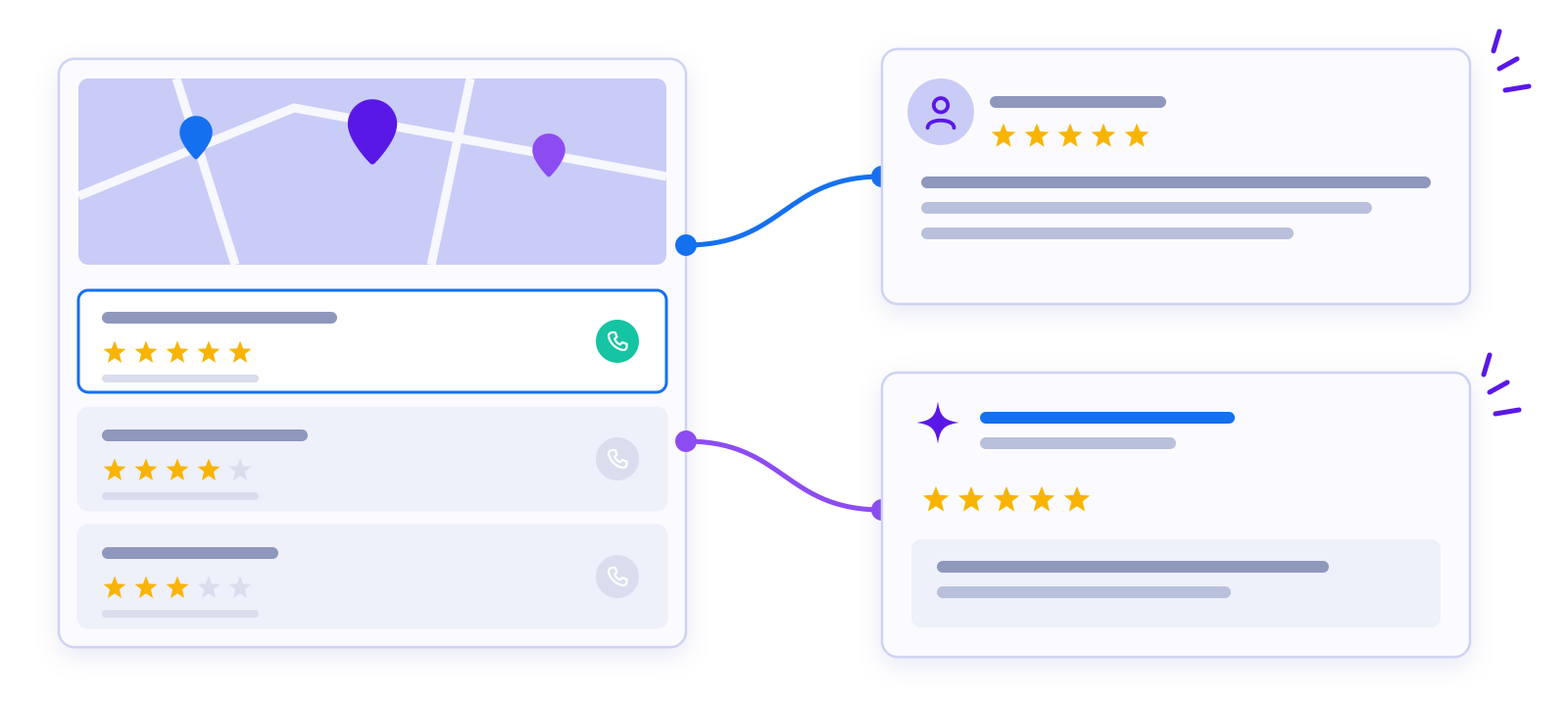
Reviews affect map pack rankings, how AI tools describe you and whether a customer calls you or the next business on the list.
What We Do


Review requests go to all customers. Google does not allow review gating, which means only asking customers who had a good experience.
How to Build a Review Process Your Team Will Use
Automated requests do most of the work, but the habits around them decide how many reviews you earn. Here is how we set up a process that keeps reviews coming in month after month.
Step 1: Collect Contact Details
A review request can only go to a customer whose email or mobile number you have. We help you make collecting it a normal part of booking, checkout or job completion.
Step 2: Time the Request
The best moment to ask is shortly after the job is done or the order arrives, while the experience is fresh. We connect requests to that moment when your systems allow it.
Step 3: Ask in Person Too
A quick line from the technician or front desk, such as “you will get a text from us, a review would help,” makes the request feel personal. Customers are more likely to act on a message they expect.
Step 4: Respond on a Schedule
We reply to new reviews promptly. For a negative review, the reply thanks the customer, acknowledges the problem and invites them to talk offline. It never argues or shares private details, which matters even more for medical and legal practices.
Rules to Follow
- Do not offer discounts, gifts or entries in exchange for reviews. Google’s policies do not allow it.
- Do not have employees or family review the business.
- Get consent before sending text messages, and follow the rules for business texting.
How We Measure Progress
- Review volume each month. Steady reviews look more natural than a burst followed by silence.
- Average rating trend. We watch the direction, not just the current number.
- Response rate. The share of reviews that got a reply.
- What customers mention. Reviews that name a service or city give searchers and AI tools useful detail.
Common Mistakes
Sending one big request to an old customer list, then stopping. Asking for reviews on a platform customers do not use. Leaving negative reviews unanswered for weeks.
Reviews work best alongside an active Google Business Profile. Before you text customers, read our email and SMS compliance basics. Medical practices can also see how we approach healthcare and medical marketing.